To collate is to put printed pages in the correct order, one complete set at a time. Print ten copies of a four-page document with collate turned on, and you get ten finished sets, each running page 1, 2, 3, 4. Turn it off, and you get ten copies of page 1, then ten of page 2, and so on: separate stacks that someone has to sort by hand.
Collated vs. uncollated
The difference only shows up when your job has more than one page and more than one copy. Here is what a printer produces for three copies of a three-page document:
| Setting | Print order | What you end up with |
|---|---|---|
| Collated | 1, 2, 3 | 1, 2, 3 | 1, 2, 3 | Three complete sets, ready to staple or bind |
| Uncollated | 1, 1, 1 | 2, 2, 2 | 3, 3, 3 | Three stacks, one per page, that must be sorted into sets |
If you print a single-page item, such as a flyer, there is nothing to put in order, so the setting makes no difference.
Where you will see the setting
On a computer, it is usually a Collate checkbox in the print dialog, next to the number of copies. On many office copiers the same idea is labeled Sort (collated) or Group (uncollated). On a print shop quote or order form you may see "collated sets" or "assembled in order", which means the same thing: finished sets, not loose stacks.
When to collate (and when not to)
Collate when every person needs the whole document: a training manual, a proposal, a meeting packet, a menu with several pages, a course handout. Collated sets are ready to hand out, staple or bind the moment they come off the press.
Skip it when each page goes somewhere different or someone else will assemble the pages later, for example posters for different locations, or pages that will be inserted into binders in a custom order. It also does not matter for single-sheet jobs.
One practical note: on some office printers, collated printing can take longer, because the machine works through the whole document once for every copy. Uncollated is quicker to print but costs you the time of sorting by hand, which is usually the slower part for anything beyond a handful of copies.
How collating works in commercial printing
At a print shop, collating happens in the bindery, after the pages are printed. Sheets are gathered in the correct sequence so each set is complete before it is stapled, bound or wrapped. For loose sets, that might be corner stapling, comb or spiral binding, or padding.
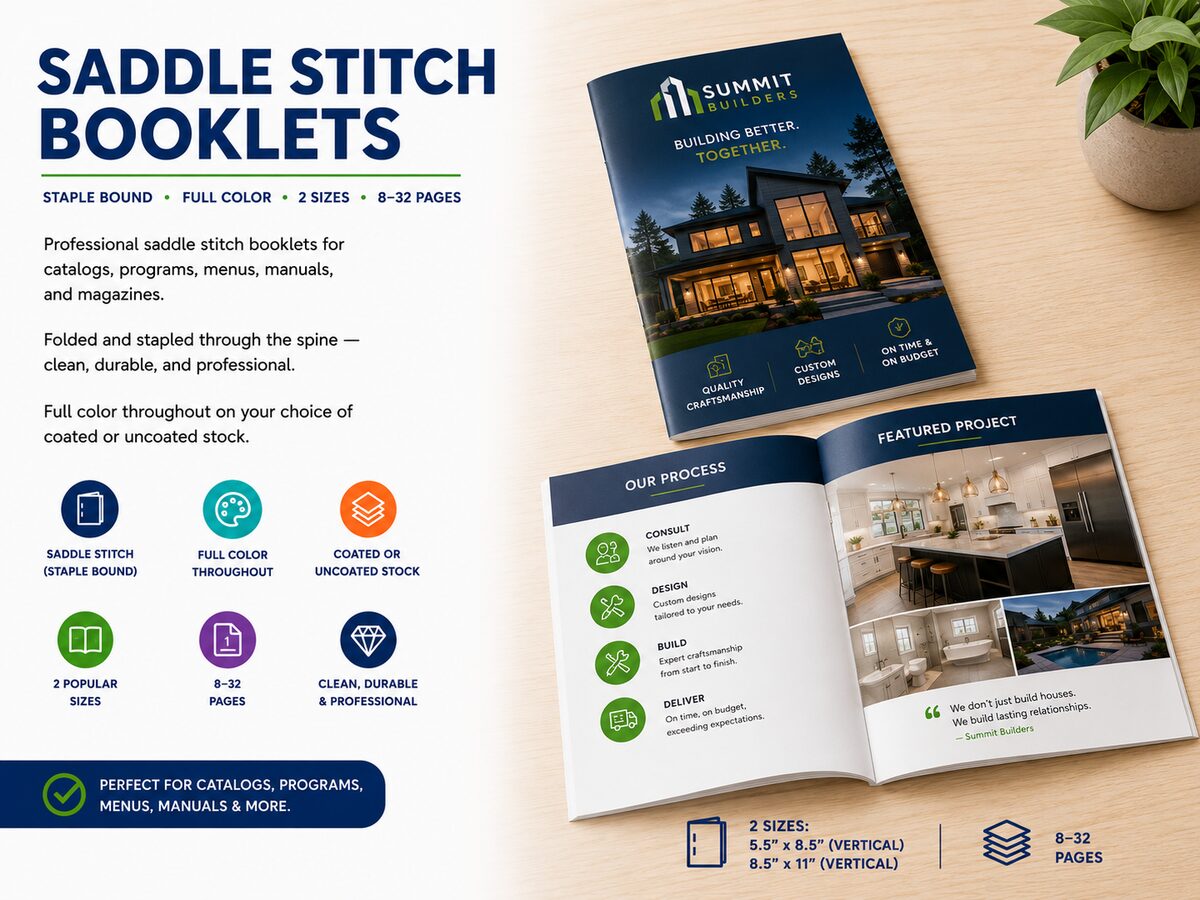
For a saddle-stitch booklet, the process is built into the format. Press sheets are printed with pages arranged so they read in order once folded (a step called imposition), then folded in half, gathered one inside the next, stapled through the spine and trimmed. Because every folded sheet makes four pages, saddle-stitch booklets have to be a multiple of 4 pages, including the cover. That is why our booklet page offers 8, 12, 16 pages and so on up to 32.
The reason you do not have to think about any of this is that the order is part of the job, not something you set. You send the pages in reading order and the shop handles the gathering. That is true whether it is a 16-page catalog or a short run of a 4-page program.
Common uses
- Booklets and catalogs: product catalogs, lookbooks, price lists, event programs, manuals
- Reports and proposals: multi-page documents printed in quantity for a meeting or a client
- Training materials and course packets: one complete packet per attendee or student
- Multi-part forms: carbonless sets, where the white, yellow and pink copies must be stacked in the right order
- Event and service programs: multi-page programs for weddings, galas, church services and memorials, including funeral programs
- Menus and brochures: when the piece has several pages rather than one folded sheet
What collating is not
- It is not stapling or binding. Collating puts pages in order. Stapling and binding hold them there. They usually happen together, but they are separate steps.
- It is not double-sided printing. A collated set can be single or double-sided.
- It is not folding. A bifold or trifold brochure is one sheet folded to size. There are no separate pages to arrange, so there is nothing to collate. Postcards and handouts work the same way: one sheet, one design.
Setting up your file so collating goes right
- Put every page in one PDF, in reading order. Do not send pages as separate files and expect the order to be guessed.
- Number your pages. A page number in the footer makes any mix-up obvious before anything is printed.
- For booklets, make the page count a multiple of 4, counting the front and back cover. If you have 14 pages of content, add two blank or note pages to make 16.
- Mark which copies are which. If you need three different multi-page documents, send them as three clearly named files, each with its own quantity.
- Tell us how you want the set finished (stapled, bound or left loose) when you ask for a quote.
Browse our saddle-stitch booklets for 8 to 32 page jobs, or tell us what you need and we will confirm how it can be produced. Preprint has been printing for Atlanta businesses since 1989, and you can also pick up at our Brookhaven shop.
Quick answers
What does collate mean on a printer?
It tells the printer to print complete sets in page order (1, 2, 3, then 1, 2, 3 again) instead of printing all copies of page 1, then all copies of page 2.
Should I print collated or uncollated?
Collated, if you need finished sets. Uncollated is only useful for single-page jobs or when you plan to sort the pages yourself.
Does collate mean double-sided?
No. Collating is about the order of pages in a set. Whether each sheet is printed on one side or both is a separate setting.
Does collating include stapling?
Not by itself. Collating puts the pages in order, and stapling or binding is a finishing step on top of it. Booklets are stapled through the spine as part of the product.
What does "collated copies" mean on a quote?
It means each copy is a complete, in-order set of the document, not a loose stack of each page.
Do I need to collate flyers or postcards?
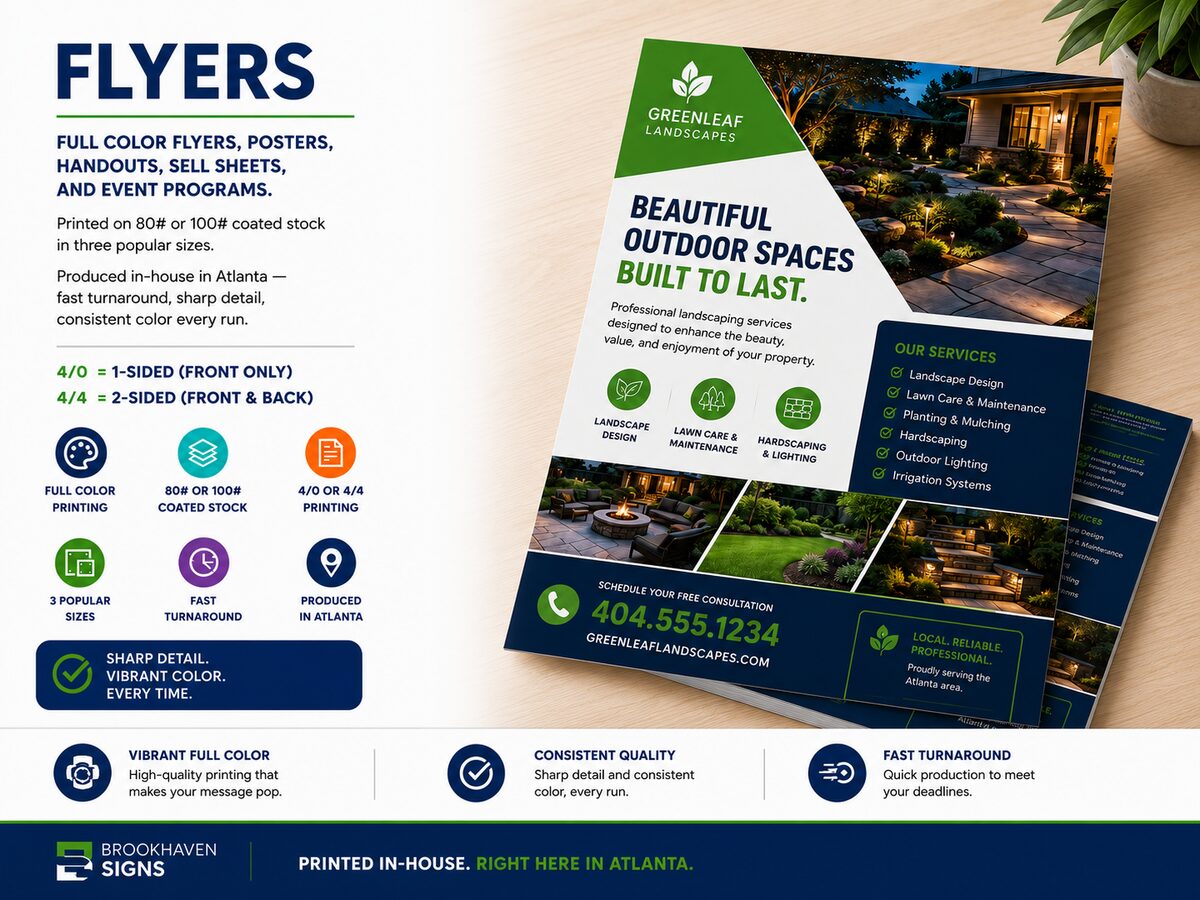
No. A flyer or postcard is a single sheet, so there is no page order to arrange. See our flyers and postcards and handouts.
 Saddle Stitch Booklets
 Bifold Brochures
 Trifold Brochures
 Flyers